Menu

For leagues that schedule teams against each other

Every game has two teams. Only the league talks to both.

When a field closes, a game time moves or an officials policy changes, the league makes the call, and it lands on players and families on different teams, their coaches, and the officials who belong to none of them. LeagueBlasts gives the league its own line to each of them, so the call doesn't have to travel coach by coach.

  • The league's own line
  • Every team, and the officials
  • Email first
  • Your league system keeps the schedule

Starts with the registration contacts, coaches and officials you already have, with nothing for anyone to install. Setting up a Hub is free, credits are prepaid and never expire, and there's no subscription and no connector to your league system.

See credit packages

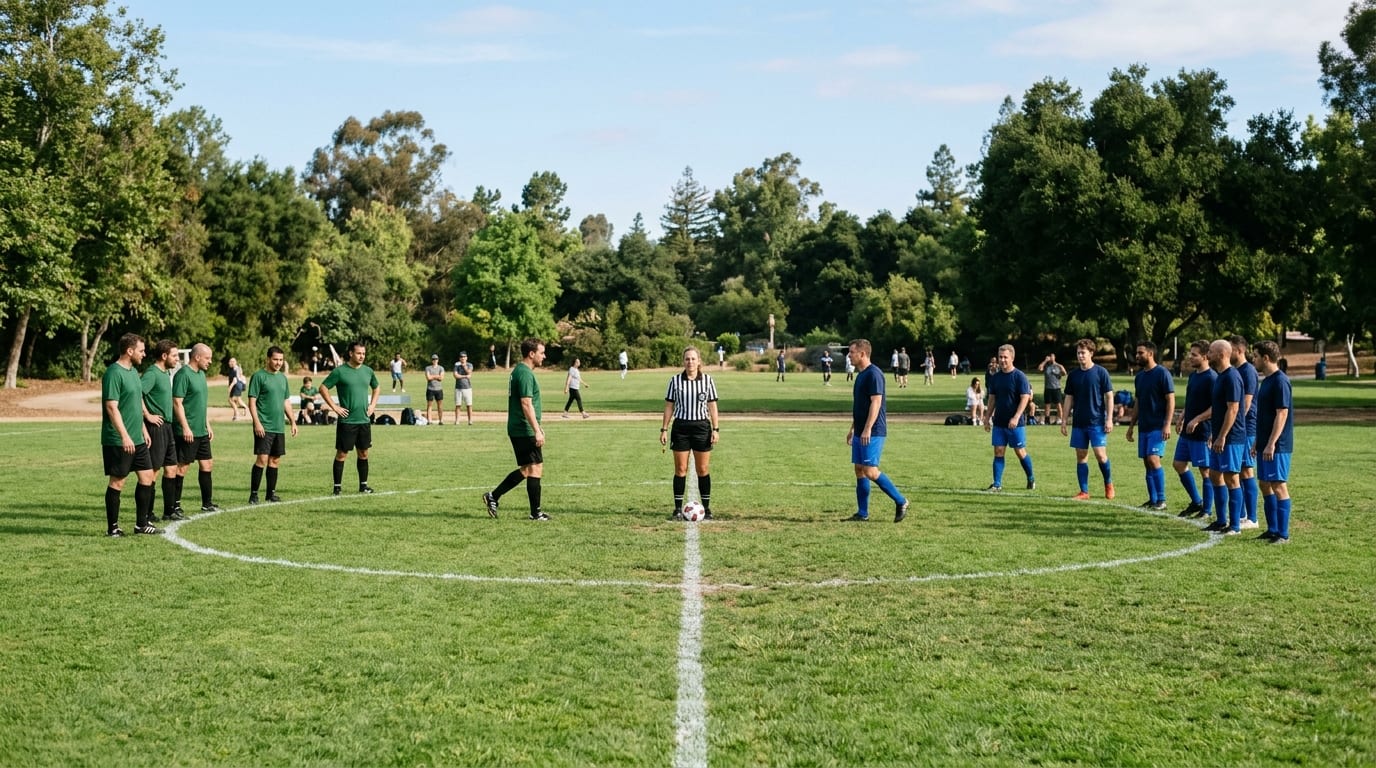
A green team on the left and a navy team on the right lined up across the center circle of a park field, with a referee in black-and-white stripes at midfield between them
League weather decision
FromLeague office

League decision for today: all U12 games at North Park are cancelled; the fields are unplayable. Please don't travel to North Park. Makeups will be posted on the league schedule.

ToU12 Division
League weather decision
FromLeague office

Officials: the league has cancelled all U12 games at North Park this morning. You're not needed there today. Check the assigning system for any change to your later games.

ToOfficials
One call, two sends: one to the U12 Division, one to Officials. Illustrative.

The relay

The league makes the call. Then it has to travel.

In most leagues, the people who decide aren't the people who talk to the teams. A decision made at league level goes to each coach or team contact, then into each team's own chat, then to that team's players and families. The path runs once per team, through a volunteer who may be coaching, driving or asleep.

How a league decision usually travels

  1. The league decides
  2. Each coach or team contact is told
  3. Each team's own chat
  4. That team's players and families

The same decision often also needs

  • The other team in the game, with its own coach and its own chat
  • The officials, who belong to no team
  • The people who open, run or close the field
  • The other games at the same venue

Time

Each hop waits for someone who is busy with something else.

Versions

One decision, retold by each coach in their own words.

Gaps

A team whose contact didn't see it in time, and officials outside every team chat.

Questions flow back

Replies go to the coach, who asks the league, who answers the coach.

Volunteer work

Coaches spend the morning forwarding the league's messages instead of coaching.

The problem isn't coaches. It's structural: the league made the decision, but a volunteer on each team is the person delivering it.

This describes how league communication commonly works. It isn't a statistic or a customer story.

Game morning

One field. Four games. Eight teams, their officials, one decision.

Illustrative scenario, not a customer story

A Saturday in a made-up league. Nothing here happened to a real organization.

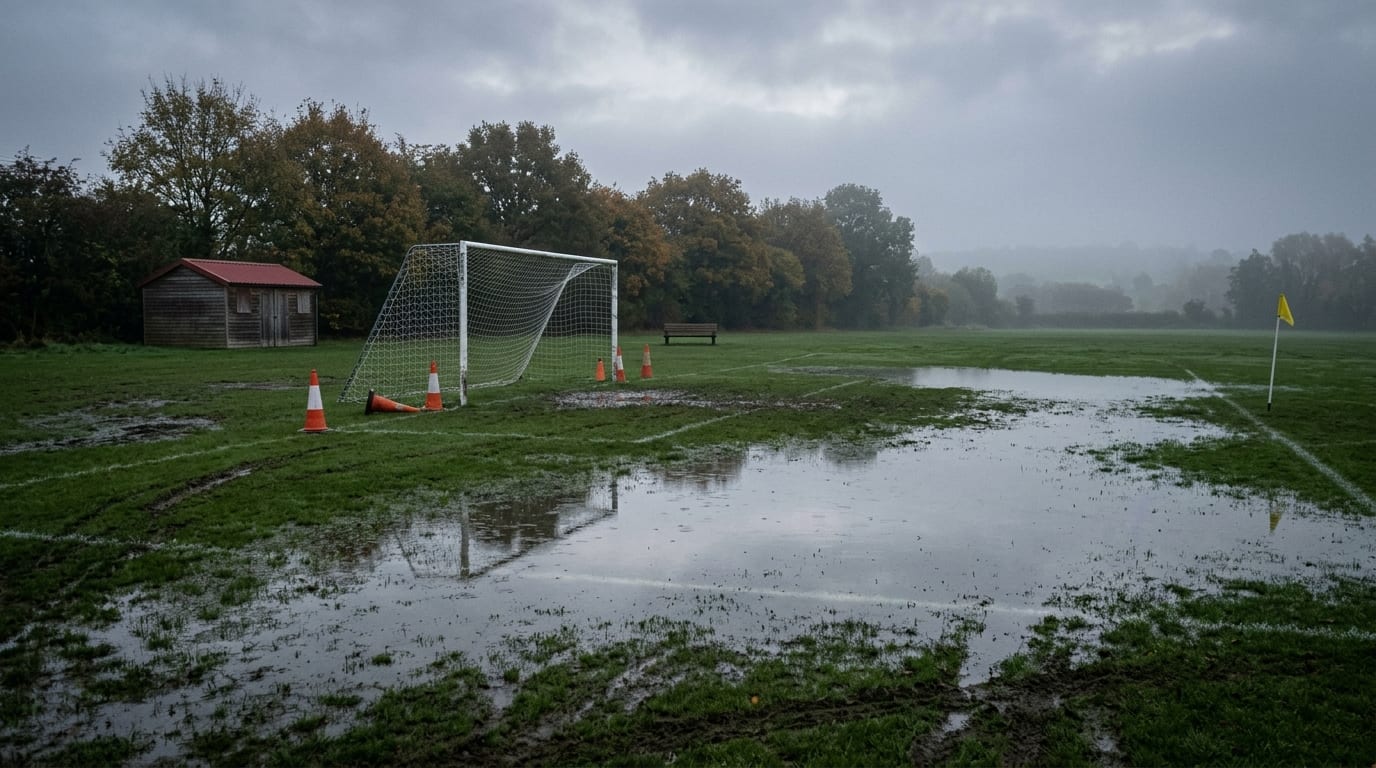
Standing water across a grass field at first light, with orange cones by a wet goal and a maintenance shed in the morning mist
  1. 6:15 a.m.Overnight rain leaves the fields at North Park unplayable. The field coordinator walks them and tells the league.
  2. 6:30 a.m.The league makes the call: the four U12 games at North Park are cancelled. Eight teams are affected, on both sides of every game, along with the officials assigned to those games.
  3. 6:40 a.m.The call goes out. How it travels is the whole difference.

Without the league's own line

  • Eight coaches get a text or an email and are asked to pass it on.
  • Each team hears it in its own chat, in its coach's words, when its coach sees it.
  • The officials hear separately, from the assignor.
  • Questions go back through each coach to the league.

With LeagueBlasts

Send 1
FromLeague office

League decision for today: all U12 games at North Park are cancelled; the fields are unplayable. Please don't travel to North Park. Makeups will be posted on the league schedule.

ToU12 Division
Send 2
FromLeague office

Officials: the league has cancelled all U12 games at North Park this morning. You're not needed there today. Check the assigning system for any change to your later games.

ToOfficials

Two sends, each to one audience the league keeps: the U12 Division and Officials. If the affected teams had been in different divisions, the league would send the same words to each team's audience. The Hub never works out which games were at North Park: the league picks the audiences.

Each send goes to exactly one audience. People who connected on Blasts get it there; everyone else gets it as an email from the league's address. Replies come back to the league, not to eight coaches.

The league's call

Decisions only the league makes.

A league's call is a decision made at league level: not a phone call, and not something the Hub detects. It's what the league decides about fields, times, officials, rules, deadlines and the postseason, and it usually lands on more than one team.

If the league decided it, and it crosses team lines or reaches a neutral league role, it's a call.

Field or venue change
FromField coordinator

U14: Saturday's games at Cedar Field move to the Eastside turf, 400 Mill Road. Game times are unchanged. The updated schedule is on the league site.

ToU14 Division
Game time change
FromLeague office

Thursday's 7:00 game, Red Line vs Night Owls, now starts at 8:15 on Court 2. The updated schedule is on the league site.

ToAdult Coed Thursday
Officials: policy
FromReferee assignor

Officials: the league's heat policy is in effect from Saturday, with a water break each quarter. Details are in the officials' handbook. Your assignments stay in the assigning system.

ToOfficials
Coaches: deadline
FromRegistrar

Coaches and team contacts: rosters and certifications are due to the league by the 20th, in the league system. Reply here if something is blocking you.

ToCoaches & Team Contacts
Division notice
FromDivision coordinator

U10: from this weekend the league is using the new substitution rule for every U10 team. The one-page summary is on the league site.

ToU10 Division
Postseason logistics
FromLeague office

Postseason games are on the 8th and 9th at North Park. Matchups and times are posted on the league site as the league sets them. Check-in opens 45 minutes before each game.

ToPlayoff Teams

Every example goes to one audience the league keeps. Templates for these calls, and for weather decisions, registration windows, volunteer needs, safety notices and the season close, are ready in the Hub.

League and team

Your team chat can stay your team chat.

Teams already talk among themselves, in whatever app or chat each team chose. LeagueBlasts doesn't need to replace any of it. It carries a different kind of message.

Stays with the team

  • Practice times and changes
  • Lineups and positions
  • Carpools and snacks
  • Who's coming to a game
  • Team chatter and photos

Comes from the league

  • Field and venue changes
  • Weather decisions
  • Game time changes
  • Division rules and notices
  • Officials' policies and instructions
  • Registration windows and league deadlines
  • Postseason operations
  • League volunteer needs and safety notices

A coach can still send a team note from the Hub if the league grants it. But the reason a league needs its own line is the second column.

LeagueBlasts isn't a team app, a scheduling system or a results service, and nothing here says team apps or league systems can't send messages.

Across the teams

A league is independent teams, playing each other, on shared fields.

That's what makes league communication different. The teams compete, so none of them speaks for the others. The officials serve every team and belong to none. The fields, gyms and courts are shared. Only the league stands across all of it.

Independent teams

Each team has its own coach or captain and its own way of talking. None of them reaches the other side of the game.

Neutral roles

Officials, and often the field and volunteer crews, work for the league, not for a team.

Shared venues and a shared schedule

One field problem can touch several games, and both teams in each of them.

Who the league needs to reach

  • Players and familiesIn a youth league, usually the registration contact, a parent or guardian. In an adult league, the players themselves.
  • Coaches and team contactsCoaches, team managers and captains: the people who used to carry the league's calls.
  • OfficialsThe neutral role every game depends on, outside every team.
  • Coordinators, volunteers and the boardThe people who run divisions, fields and the league itself.

A new league Hub starts with two audiences

  • Whole League
  • Volunteer Opportunities

Whole League reaches everyone on your league's list in the Hub, and sending to it asks for a passkey confirmation. Volunteer Opportunities is a list people choose for themselves. Setup puts nobody on it.

League assigns

Structure the league fills itself, never offered on anyone's preferences page.

  • U12 Tigers
  • Coaches & Team Contacts
  • Officials
  • Playoff Teams

Participants choose

Lists people pick for themselves on their preferences page.

  • Volunteer Opportunities

Either

The league places people, and they can add more. It suits a division: a family with players in two divisions can add the second.

  • U12 Division
  • Adult Coed Thursday

One send, one audience

Send to the U12 Division and Coaches & Team Contacts, but only the people in both

Create U12 Coaches as its own audience, and send to that.

Filing a team inside its division keeps your audiences organized, and a team you fill by hand only takes people already in the division. A send to the division reaches the people in the division; it doesn't add each team's list to it.

The Hub never knows your schedule, so it never works out who a call affects. The league picks the audience.

How to build divisions, teams and officials

Who sends

The league's calls come from the league.

Everyone who works in the Hub signs in as themselves, and every send is signed with their name.

  • Owner and administrators: the commissioner, the registrar, the field coordinatorSend the league's calls to any audience, directly, including at 6:30 in the morning.
  • A coach, team manager or captain (a Leader)Sends to the team audience the league grants them, and reads its replies.
  • A division coordinator (a Leader)Sends to their division.
  • The referee assignor (a Leader)Sends to Officials.

Leader approval is on by default for leagues. A Leader's message goes out as the league, so an administrator approves it first. Owners and administrators always send directly, so the morning call never waits. A league can turn approval off in Settings.

A Leader reaches only the audiences the league grants them. Sending to Whole League asks for a passkey confirmation.

Roles, grants and approval

Email first

Start with the addresses you have. Nobody installs anything.

Import the registration contacts, coaches and officials who agreed to hear from the league, and they receive its messages by email from the first send.

  1. 1

    Import, or connect your registration form

    A communication-only export, the inbound webhook or Zapier makes each person an email subscriber. Adding one address by hand sends an invitation instead.

  2. 2

    The first call goes by email

    From the league's own sending address once Settings shows it verified, with nothing to install.

  3. 3

    Blasts, when a person connects

    When someone connects on Blasts with the same email address the league has for them, their messages move there on their own.

The same email address is what moves someone to Blasts.

If a parent connects on Blasts with a different address, that's a separate person in the Hub. Nothing matches the two addresses for you or moves their audiences across.

An attached file, like a field map, reaches people on Blasts only. People receiving by email need a link, so put the map on the league site and link to it.

LeagueBlasts doesn't show you who read a message, and doesn't promise that a call reaches people who aren't on the list. When you need an answer, ask for a reply.

Email first, Blasts when a participant chooses

Your league system

Beside your league system, not instead of it.

Your league system keeps the schedule. LeagueBlasts carries the league's call to both sides of it.

Registration, scheduling and league-management systems stay the authority. There's no connector and nothing is synchronized: the Hub holds only what the league puts into it.

SystemKeepsLeagueBlasts
Registration systemRegistrations, payments, waivers, eligibilityA communication-only export of contacts, or a webhook for each new registrant
Scheduling or league managementTeams, rosters, fixtures, venues, standings, scores, bracketsThe league's messages link to it
Assigning systemOfficial assignments and availabilityAn Officials audience for the league's policies and instructions
Facility or permit systemField and gym reservationsNothing; the league tells people when a venue changes
Team apps and chatsThe team's own weekNothing; they stay the team's

What the Hub holds

  • People: an email address, a name and a household
  • The audiences each person is in or chose
  • Who can send to what, and what waits for approval
  • What was sent, the replies, and each person's preferences
  • Where each Journey or campaign has reached

A public calendar link can show up to twelve upcoming items from the next two weeks on the Hub's Home screen, ready to announce. It notices no change, knows no team and sends nothing on its own.

The Hub doesn't know a player's team, a game's time, a field's status or anyone's registration, payment or eligibility, and it sends nothing when the weather or the schedule changes: a person at the league makes the call.

Where the Hub fits beside your league system

Participant data

The league needs the contact, not the player's record.

In a youth league, the person in the Hub is usually the registration contact: a parent or guardian. In an adult league, it's the player. Either way, the Hub needs only what communication needs.

Leave these in the system that owns them

  • Player dates of birth
  • Medical information, allergies and medications
  • Emergency contacts
  • Waivers
  • Payment status
  • Eligibility and background checks
  • School and grade
  • Jersey sizes
  • Registration and player IDs

A communication-only export

  1. Email
  2. Name (the contact's own)
  3. Household
  4. Audiences (for example: U12 Division; U12 Tigers)

Name both the division and the team in the audiences column. An import doesn't add the division for you.

What the import keeps

Email, name, household and the named audiences. Every other column is discarded before anything is saved, and the import preview marks it as not stored.

That's how the league import works. It isn't a scan for sensitive data and makes no compliance claim; what the league exports is still the league's decision.

One thing the Hub can't tell

If your export's plain First Name and Last Name columns hold the player's name, the Hub can't know that. Set those columns to not stored in the preview, or export the contact's own name instead.

A division or team the league wants to reach becomes a named audience: the Hub keeps the audience, not the column it came from. The preferences page doesn't ask for birthdays or anniversaries.

LeagueBlasts has no player record, no parent-to-player link, and no medical, waiver or payment field.

A communication channel, not a participant record

Season to season

The team chat lasts a season. The league's line doesn't have to.

Every season, teams are rebuilt, coaches change and new team chats start. The league goes on. The audiences and templates the league keeps in the Hub carry over because the league maintains them, not because the Hub knows a season ended.

Rebuilt each season

  • Teams and rosters
  • Coaches and team contacts
  • Each team's own chat
  • Playoff Teams

Kept by the league

  • The people on the league's list, including last season's players and families
  • Divisions
  • Coaches & Team Contacts and Officials, updated by the league
  • Templates, Journeys and campaigns
  • The league's sending address and its history
  1. 1

    At season close

    Send the thank-you and the next registration date. Archive the team audiences you'll rebuild; the people stay.

  2. 2

    Before the next season

    Create the new teams, update Coaches & Team Contacts, and move each coach's grant to their new team.

  3. 3

    At registration

    Returning players and families who haven't opted out are already on the list, by email or on Blasts.

The Hub doesn't know when a season starts or ends, or who came back. Those steps are the league's.

Hub Pro

Two sequences a league runs every season.

Journeys and Event Campaigns are Hub Pro, which unlocks at $500 in cumulative qualifying Blast Credit purchases.

Coach & Team Contact Welcome (Journey)

Starts when someone is added to Coaches & Team Contacts

Coaches change every season, and they're the people who used to pass the league's calls on. The welcome tells each new one what the league now sends directly, and what stays with the team.

  1. Day 0What the league sendsThe league sends its calls to your team's players and families as well as to you; you don't have to pass them on. Your team chat stays yours.
  2. Day 2Team or leaguePractices, lineups, carpools and who's coming stay with the team; fields, the schedule, officials, rules and deadlines are the league's.
  3. Day 5Where things liveThe schedule, results, standings and rosters are in the league's own system; this channel carries the league's notices about them.
  4. Day 10Reaching the leagueReply to reach the league office. A Leader's own team notes go out as the league and may be approved first.

It never starts because a coach registered, was assigned a team or a season began. Adding the person to the audience starts it.

Opening Day (Event Campaign)

Timed around the date the league sets

Opening day is the one date every team, official and volunteer starts from. The campaign sets up how the league's calls will reach them before the first game.

  1. 14 days before10:00Where the schedule lives, and that the league's decisions come on this channel.
  2. 7 days before10:00Venue, parking and arrival details, and any uniform or equipment pickup.
  3. 2 days before17:00How a weather or field decision will reach people, and to check here before leaving.
  4. The day07:00Games go ahead as scheduled unless the league has sent a change here.
  5. The day after10:00How makeups are posted, and where the league's volunteer needs go.

Move the date and the unsent messages move with it. The Hub never detects the start of a season.

A registration window or championship weekend can use the same shape. Matchups and results stay in your league system; the messages link to them.

Pricing

Setting up a Hub is free. A call costs one credit per person it reaches.

Credits are prepaid, never expire and can come from any legitimate source. There's no subscription and no special league price: LeagueBlasts uses standard pricing.

Blasts credits

One typed Blast to one person is one Blasts credit.

Email credits, kept separate

One email to one person is one email credit. Every new Hub starts with 50.

The audience is the cost

A call to one division costs a fraction of the same call to the Whole League.

Hub Pro at $500

Journeys and Event Campaigns unlock at $500 in cumulative qualifying Blast Credit purchases.

Illustrative example, not real data

A made-up league with 1,200 people on its list, over one month of its season

Registration contacts, adult players, coaches and officials in an invented multisport league with youth and adult divisions. The messages are the kind a league sends in an ordinary month; none of it comes from a real league.

Sent to the audiences each call concerns3,640
Every message to Whole League18,000

if the same 15 messages had each gone to all 1,200 people on the list

MessageAudiencePeople × sendsCredits
Weather decision, U12 Division (two Saturdays)Division190 × 2380
Weather decision, U10 Division (two Saturdays)Division170 × 2340
Field change, U14 Hawks and U14 Kestrels (one send to each team)Team15 × 230
Officials: heat policy, then two field changesOfficials40 × 3120
Coaches & Team Contacts: roster and certification deadlinesCoaches80 × 2160
Postseason logistics, Adult Coed ThursdayDivision120 × 1120
Volunteer Opportunities: field-prep crewChosen list90 × 190
Whole League: the league note on heat policy and makeupsWhole League1,200 × 11,200
Whole League: next season's registration windowWhole League1,200 × 11,200
Sent to the audiences each call concerns3,640

Counted as typed Blasts, the $100 Plus package covers about 16 months at that invented pace.

Recipients are people. Anyone receiving by email is a recipient too, and uses an email credit instead of a Blasts credit. Package figures come from the current BlastCredits packages.

See credit packages

Getting started

A preseason afternoon, then registration.

The setup follows the league's own structure. The implementation guide walks through each step.

  1. 1

    Set up the league's Hub

    Sign in, set the timezone, and put the account on a mailbox on the league's own domain, so it survives board turnover.

  2. 2

    Build the league's structure

    Divisions first, then the teams inside them, then Coaches & Team Contacts and Officials, set to league assigns.

  3. 3

    Import a communication-only export

    The contacts, coaches and officials who agreed to hear from the league, with an audiences column naming each division and team.

  4. 4

    Grant your people

    Administrators for the people who make the league's calls; Leaders for coaches, coordinators and the assignor.

  5. 5

    Get the first call ready

    Save the field change and weather decision templates with your schedule link in them.

Implementation guide

The LeagueBlasts Implementation Guide

How to set up the league's own line: what belongs in LeagueBlasts and what stays with the teams, building divisions, teams and officials, a communication-only export, email first, Leaders and approval, and the first season. It's a page, not a download, and it's open to read now.

Read the implementation guide

No form and no sign-up: the guide is a page, and nothing here asks for your name or email address.

Set up LeagueBlasts for your league

Questions leagues ask

What is LeagueBlasts?

LeagueBlasts is the Blasts Hub for leagues: organizations that schedule teams against each other. It gives the league its own line to the people its decisions touch across every team: players and families, coaches and team contacts, and the officials who belong to no team. The league sends each call, like a field change, a weather decision, a game time or an officials instruction, to the one audience it concerns, by email from the first send and on Blasts for people who connect with the same email address. Your league system keeps the schedule, registrations and results; there is no connector and nothing is synchronized.

Is LeagueBlasts a team communication app?

No. Teams keep talking in whatever app or chat they already use. LeagueBlasts is the league's own line for the decisions the league makes: fields, weather, game times, officials, rules, deadlines and the postseason. A coach can send to their own team from the Hub if the league grants it, but that's a courtesy, not the point.

Does it replace our league-management or registration software?

No. Your league system keeps registration, rosters, teams, fixtures, venues, official assignments, standings, scores, payments, waivers and eligibility. There's no connector and nothing is synchronized. The Hub holds only the people, audiences and messages the league puts into it.

Does it sync our schedule?

No. You can add a public calendar link, and the Hub's Home screen then shows up to twelve upcoming items from the next two weeks, ready to announce. That's a display. The schedule itself stays in your league system.

Will it automatically notify teams when a game changes?

No. The Hub doesn't know your fixtures, so it can't tell that a game changed or who it affects. A person at the league makes the call and sends it to the audience it concerns: a division, each team, or Officials.

Can it watch the weather?

No. It doesn't monitor weather or field conditions and never cancels anything on its own. The league decides, and the Hub carries the decision.

Does it know which teams use a field?

No. The Hub has no venue or fixture information. If the same people are always at one venue, the league can keep an audience for it; otherwise the league sends to the division or to each team affected.

Can coaches send?

Yes, if the league invites them as a Leader and grants them an audience, usually their own team. A Leader sends only to the audiences granted to them and reads only those replies.

Does a coach's message need approval?

By default, yes. Leader approval is on for leagues because a Leader's message goes out as the league, so an administrator approves it first. Owners and administrators always send directly. A league can turn approval off in Settings.

Can officials have their own audience?

Yes. Create Officials, set it to league assigns and fill it yourself. Grant it to the referee assignor as a Leader if they should send to it. Officials never see it offered on a preferences page, and nobody else can add themselves to it.

Can we organize teams inside divisions?

Yes. A division set to Either can hold the teams filed inside it. When you add people to a team yourself, only people already in the division can be added. Filing is organization: each audience is still its own list.

Does sending to a division automatically send to every team inside it?

It reaches the people in the division. Filing a team inside a division doesn't add the team's list to the division. An import can place someone on a team without the division, so name both in the audiences column.

Can participants choose their own team?

No, and they shouldn't. Teams are set to league assigns, so they never appear on anyone's preferences page. People choose only lists the league offers as a choice, like Volunteer Opportunities or a division set to Either.

Can a parent join more than one division?

Yes, when the league sets divisions to Either: the league places the family in one, and the parent can add the other on their preferences page. Unticking removes only a division they chose themselves; a placement the league made stays until the league removes it.

What should we import from our registration system?

A communication-only export: each contact's email address, their own name, a household name if two guardians registered the same player, and an audiences column naming the divisions and teams you already created. Every other column is discarded before anything is saved.

Should we import player medical information?

No. Leave medical information, allergies, medications, emergency contacts, waivers, payment status, eligibility, dates of birth, school, grade and IDs in the system that owns them. The league import discards those columns anyway, but don't send them in the first place.

Does LeagueBlasts store player records?

No. The person in the Hub is the communication contact: in a youth league usually a parent or guardian, in an adult league the player. There's no player record and no parent-to-player link.

What happens if our export labels the player's name simply "First Name"?

The Hub can't tell that it's the player's name, so it would keep it as the contact's name. Set that column to not stored in the import preview, or export the contact's own name instead.

Do people need the Blasts app?

No. Everyone on the league's list receives by email from the first send. People who choose to connect on Blasts with the same email address receive there instead.

What happens when someone connects using another email address?

That's a separate person in the Hub. The audiences the first address is in don't move to the second, and the first address keeps receiving by email. Nothing matches the two addresses for you.

Can email recipients receive attachments?

No. An attached file reaches people on Blasts only. For people receiving by email, put the field map or policy on the league site and link to it.

Can we track who read a message?

No. LeagueBlasts doesn't give the league a list of who read a message. When the league needs an answer, it asks for a reply; replies come back to the league in Conversations.

Can we use YES/NO for player availability?

No. A YES or NO reply is counted against the league's most recent YES/NO message from the last three days, so two questions in the same weekend mix their answers. Availability belongs in the team's app, official assignments in your assigning system, and volunteers are confirmed by a person replying.

What happens when someone sends STOP and later START?

STOP stops everything and removes the person from every audience, including the teams, Coaches & Team Contacts and Officials the league placed them in. START turns messages back on, but it doesn't put them back in those audiences; the league adds them again.

What are Journeys?

A Journey sends a short sequence to each person from the day they enter one audience. The league starter is the Coach & Team Contact Welcome, on days 0, 2, 5 and 10 after someone is added to Coaches & Team Contacts. It never starts because a coach registered or a season began.

What is Opening Day?

The league's Event Campaign starter: messages timed around the opening-day date the league sets, two weeks before, a week before, two days before, the morning of, and the day after. Move the date and the unsent messages move with it.

What unlocks Hub Pro?

Hub Pro, which adds Journeys and Event Campaigns, unlocks at $500 in cumulative qualifying Blast Credit purchases. Sending, audiences, roles, replies, Content Series and email are there from the start.

Is there a special price for leagues?

No. LeagueBlasts uses standard pricing. Setting up a Hub is free, and one typed Blast to one person is one Blasts credit; one email is one email credit.

Do nonprofit leagues automatically qualify for nonprofit pricing?

No. LeagueBlasts uses standard pricing. BlastCredits reviews nonprofit verification separately, on its own criteria, and this site makes no claim that a league is eligible. Verification never affects access to the Hub or Hub Pro.
Every game has two teams. Give the league its own line to both.

Set up your league's Hub, build your divisions, teams and officials, and send the next call from the league.

Already have a Hub? Sign in