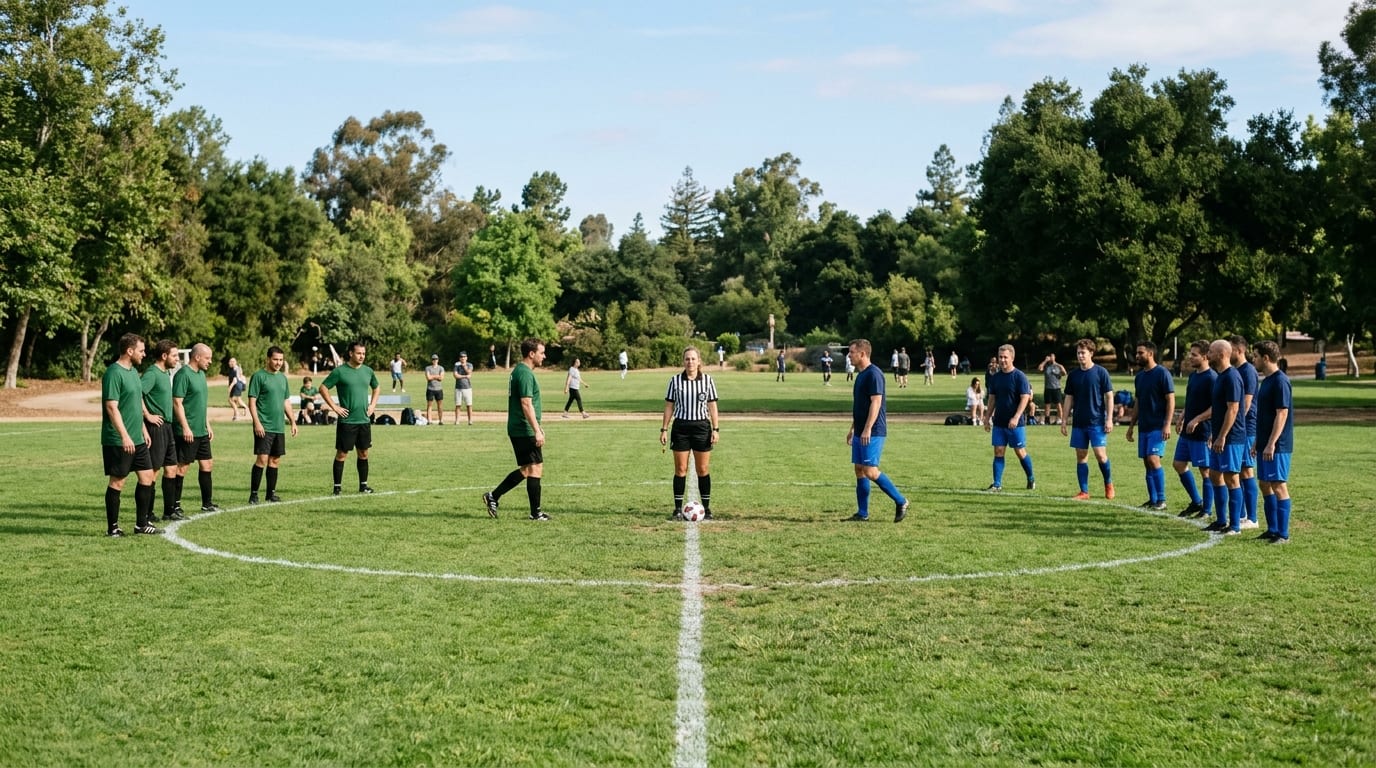
Blasts for youth and adult sports leagues

Game changed? Everyone should know.

Connect families when they register and keep players, parents and coaches informed throughout the season: rainouts, field changes, schedule updates, volunteer needs and tournament weekends.

Built on Blasts. Connection-based, encrypted, no subscription, credits never expire.

Three Saturdays every commissioner recognizes

League communication does not fail in the office. It fails in a parking lot at 8:15 a.m., with cleats on and no game to play.

The rainout that reached half the field

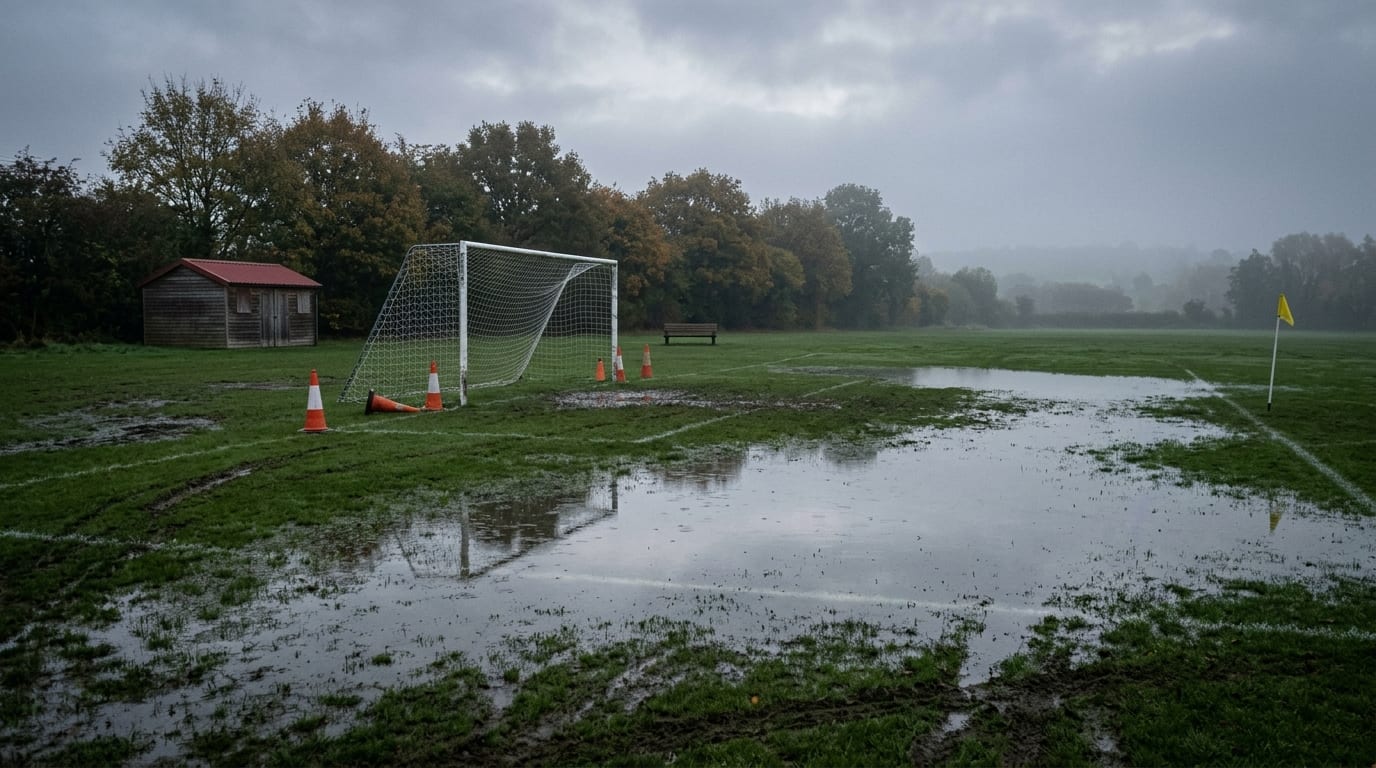
The fields are underwater and the decision is made at 6:30 a.m. The email goes out to the whole league. By 8:15 there are eleven families at Field 4, the coach's group text has three parents who changed numbers, and the commissioner's phone is the league's real notification system.

The field that moved on Thursday

The city pulled the permit for Field 2 and the U10 games are now across town. The change was posted on the website and sent in a league-wide email that most parents skimmed past, because it looked exactly like every other league email.

The tournament weekend with no snack volunteer

Brackets change hourly, the concession stand needs two more people at noon, and the referee assignor needs a lineup change confirmed. The information exists. It is scattered across a spreadsheet, a group text per team, and a coach who is on the field and cannot check his phone.

There's another way

Connect once. Communicate directly.

Blasts is built around persistent connections between parties who already know each other. A family connects with the league once, at registration. From that point on, the league has a direct, encrypted channel that shows the message on the parent's, player's or coach's screen with the sender's name and photo, and an emergency badge that pulses red and pins to the top when a field closes.

  • A connection must exist before a Blast can be delivered. Families can't be Blasted by a league they haven't approved.
  • Messages travel over encrypted connections, not through email servers or SMS carriers.
  • Families keep control: they can mute a sender for 24 hours, set quiet hours, or disconnect at any time, including when the season ends.
  • Delivery, read and reply counts come from confirmed actions, not tracking pixels.

How families get connected

Leagues have a moment every organization envies: registration, when every family fills out a form, pays a fee and expects to hear from you. That is where the connection happens.

  1. Registration

    A family registers a player, pays the fee and picks up the uniform. Right there, in the confirmation and at the pickup table, the league offers a direct connection.

  2. Family connects once

    The parent, player or coach accepts the league's connection on their phone. One connection, made once, and it carries from season to season.

  3. Every family, every game morning

    From then on, the rainout, the field change, the makeup game and the concession-shift ask land directly on the sideline phone, sent to the right team or division, from a name they know.

Families opt in; a family that has not accepted the league's connection cannot be Blasted, and a parent or player can silently disconnect at any time.

What leagues use a direct channel for

The season newsletter still belongs in email. These messages belong on the screen.

Weather cancellations and field closures

Rainouts, lightning delays, heat holds, frozen fields. One Blast to the affected division, sent with the Emergency badge so it pins to the top and pulses red on every phone headed to the park.

Field and venue changes

A pulled permit, a flooded diamond, a gym double-booked. Sent to just the teams playing there, with a map image and a link, and read acknowledgements so the commissioner knows which families still need a call.

Schedule updates and makeup games

Rescheduled matchups, time changes, playoff seeding. Sent per team or division so the U8 makeup game does not interrupt the adult softball list.

Volunteer needs

Concession shifts, field prep, scorekeepers, team parents. A quick poll to the team list fills the slot without a reply-all thread.

Tournament weekends

Bracket updates, check-in instructions, parking, weather holds and the championship time, sent to the teams still playing. Event Blasts carry a countdown and a calendar attachment.

Season milestones and reminders

Registration deadlines, uniform pickup, picture day, opening day ceremonies, end-of-season party. Short typed Blasts to the right list, or a voice Blast from the commissioner families can play from the sideline.

Why this deserves a place beside email, group texts and the team app

Email is where the handbook and the schedule PDF live. Group texts are where wrong numbers, muted threads and reply-all live. A team app is only as good as the last coach who updated it. None of them was designed for a league that already knows every registered family by name.

No per-message carrier fees, no subscription

Blasts credits are bought once and never expire. One typed Blast to one parent is one prepaid credit; a voice Blast is two. There is no carrier fee, so a league can budget a season, or a year of seasons, as a single deposit instead of a monthly platform fee that keeps billing in the off-season.

Reach that doesn't depend on inbox habits

The message appears on the sideline phone with the league's name and photo. Read acknowledgements tell the commissioner who has actually seen the rainout, so the phone tree only has to cover the families who haven't.

Sent to the right team, not the whole league

Distribution lists per team, division, coach group and volunteer pool mean the U10 field change reaches U10 families and nobody else. Large lists can be staggered into daily waves for non-urgent, league-wide content.

Trust families can see and control

Every Blast shows the sender's name and photo and a campaign badge (Emergency, Event, FYI, General and more). Families can revoke the league at any time without the league being notified. Messages auto-delete after 30 days with an optional self-destruct timer, and there are no tracking pixels.

Email vs. SMS vs. Blasts for league communication

EmailSMSBlasts
Reaches families on game morningDepends on when the person opens emailYes, if you have consented mobile numbersDelivered to the connected person's phone or desktop screen
Per-message carrier costLowPer message, per carrierOne prepaid credit per typed Blast, no carrier fee; credits never expire
Confirms which families actually saw itOpen-tracking pixels onlyDelivery onlyRead acknowledgements from confirmed actions
Family must have connected firstNoConsent requiredYes, by design; families can disconnect silently
Send to one team or division without a separate groupRequires maintained address groupsRequires maintained number groupsNamed distribution lists, no per-recipient cap, staggered delivery for large lists

Comparison reflects published Blasts.app product information as of August 2026 and general characteristics of email and SMS. A cost model for your registration count and season length will be part of the league season guide.

Built for the families you already registered

Blasts is not a way to message strangers, and LeagueBlasts does not pretend otherwise. It is built for the audience a league knows completely: the players, parents and coaches on its rosters. That constraint is what makes the channel trustworthy for a parent who already juggles three teams and a dozen group texts.

  • Families connect once at registration; the league does not need to collect, store or pass around a spreadsheet of personal mobile numbers.
  • A parent, player or coach can mute the league for a day, set quiet hours, or disconnect without asking anyone.
  • When a family ages out or moves on, the connection can end with them; returning families are already reachable when next season's registration opens.

For the person who will set it up

How the connection is built

For the registrar, commissioner or board member who will set this up: here is what sits behind the three steps above.

  1. Invite link and connection code in the registration flow

    Blasts gives the league a personal invite link and a 4-digit connection code. Add them to the registration confirmation page, the payment receipt email, the uniform-pickup handout and the coaches' preseason packet. Parents on their phone tap the link; parents at the pickup table enter the code. The league approves each request.

  2. Invite the opted-in registered roster

    For a roster of players and families who have opted in to league communications, export it from your registration platform, upload it, and send personalized Blasts invitations at scale through your own email service (Amazon SES, Microsoft 365 or Gmail). Each family still approves the connection.

  3. Families and coaches install Blasts on the sideline phone

    For nearly everyone that is the iOS or Android app. The registrar and board members at a desk can add the browser extension (Chrome, Edge, Brave and other Chromium browsers) or use the web app at blasts.app. Each device is a separate connection.

  4. Build distribution lists per team, division and role

    Create lists for the whole league, each division, each team, coaches, referees and volunteers. A list reaches every member at once with no per-recipient cap, and large league-wide lists can be staggered into daily waves for non-urgent content.

  5. Send with the right badge and format

    Typed Blasts with a field map, a voice Blast from the commissioner (auto-transcribed), Event Blasts with a countdown and calendar attachment for opening day and picture day, or a poll to fill the concession shift. Rainouts and field closures go out with the Emergency badge, which pulses red and auto-pins to the top.

Recruiting connections is a registration-season task, repeated each season for new families. Domain Auto-Approve is built for organizations whose members share a verified email domain, so it does not apply to league families. Exact administrator steps will be documented in the league season guide once confirmed against current Blasts documentation.

In one paragraph

What is LeagueBlasts?

LeagueBlasts is an implementation of Blasts for youth and adult sports leagues that need a direct communication channel with players, parents and coaches. Player and family registration is the moment a family connects once; from then on, weather cancellations, field changes, schedule updates, volunteer needs and tournament information land directly on the family's phone or desktop screen, sent to the right team or division instead of buried in a league-wide email or a group text someone muted.

Direct answers

Do families have to be connected before the league can send them a Blast?

Yes. Blasts is connection-based, and LeagueBlasts is designed around the fact that a league already has a registration relationship with every family and a natural moment, signup, when it can invite them.

Connections can be established through an email invite link, a 4-digit connection code on the registration confirmation or uniform-pickup handout, or a personal invite link. Leagues with an opted-in roster can send personalized invitations at scale; see the implementation section above.

How does a league establish Blasts connections with players and parents?

By offering the connection at registration: the league's invite link and 4-digit connection code go into the registration confirmation, payment receipt, uniform-pickup handout and coaches' packet, and an opted-in registered roster can be invited with personalized invitations sent through the league's own email service. Families accept once and then receive Blasts through the iOS or Android app, a browser extension, or the web app.

Families always retain the ability to silently cut off the league. Step-by-step administrator instructions will be published in the LeagueBlasts season guide once confirmed against current Blasts documentation.

Can we Blast every family in town, or last year's roster from another league?

No. A family must approve the league's sender before any Blast is delivered. Blasts is built for existing relationships, which for LeagueBlasts means the players and families registered with your league who chose to connect.

How are Blasts different from a group text or SMS for rainouts?

Blasts have no per-message carrier fee, travel over encrypted tunnels rather than the carrier network, show the league's name and photo, and report read acknowledgements from confirmed actions. They are sent to named lists the league maintains, not to a text thread that breaks when a parent changes numbers, and they require a prior connection, which SMS does not.

Can we send a field change to just one team or one division?

Yes. Distribution lists let a sender name a group once, such as a team, a division, the coaches or the volunteer pool, and reach every member at the same time with no per-recipient cap. Large league-wide lists can be staggered into daily waves for non-urgent messages.

What does it cost to send a Blast to 400 families?

A typed Blast consumes one credit per recipient, so 400 credits; a voice Blast consumes two per recipient. Credits are prepaid, never expire, and are available through BlastCredits.com, so a spring-season deposit carries into fall.

Can coaches use it too?

Coaches and referees receive Blasts like any other connected recipient, so the league can keep a coaches list and a referees list alongside the team and division lists. Whether the league can delegate sending to individual coaches will be confirmed and documented in the season guide.

Which devices can families receive Blasts on?

An iOS app, an Android app, browser extensions for Chrome, Edge, Brave, Opera, Vivaldi, Arc and other Chromium browsers, and the responsive web app at blasts.app.

Resources in preparation

LeagueBlasts is expanding into a full implementation resource for sports league communication on Blasts.

  • The LeagueBlasts Season Guide: registration-flow inserts, coaches' preseason script, list structure and a first-season sequence
  • Registration confirmation, receipt and uniform-pickup templates carrying the league's invite link and connection code
  • Distribution list patterns for multi-division youth leagues, travel clubs and adult rec leagues
  • Rainout, field-closure and tournament-weekend message playbook
  • Cost model: Blasts credits vs. SMS and team-app subscriptions at your registration count
  • League and club pricing through BlastCredits.com

Get the Free League Season Guide

We're finishing the first edition now. Join the early-access list and we'll send it to you as soon as it's available.

We use this only to send you LeagueBlasts resources and pricing. No list sales, no spam.